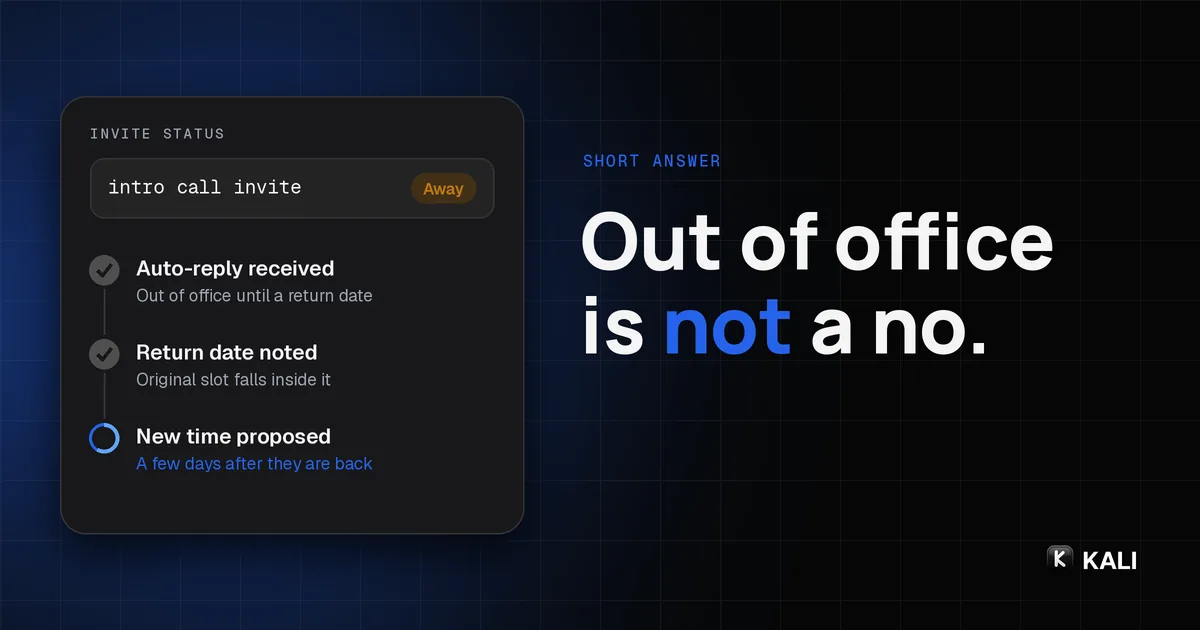
Short answer: an out-of-office reply means the prospect has not seen your invite yet, not that they turned it down. Treat it as a timing problem. Note the return date and any alternative contact, move or re-send the invite for a slot after they are back, and do not count the meeting as declined.
What You Might See
Out-of-office settings can react to a calendar invite in more than one way, depending on the prospect’s calendar and how they set it up.
| What you get | What it usually means | What to do |
|---|---|---|
| An automatic reply email | The invite was delivered, the person is away | Note the return date, re-plan the meeting |
| An automatic decline | Their calendar declines new invites while they are away | Do not log it as a real decline |
| Both a reply and a decline | Same as above, with more detail | Use the return date from the reply |
| A reply naming a colleague | Someone else covers their work while they are away | Decide whether the topic suits the colleague |
In Google Calendar, an out-of-office entry can be set to decline new invitations that fall inside it automatically. Outlook’s automatic replies can also be set to decline new invitations for events during the away period. That is why a decline can arrive within seconds of sending. A human decline that fast is unusual.
What to Do Next
1. Read the auto-reply. Most include a return date, and some name a colleague. Both are useful. Record the return date against the contact.
2. Do not log it as a decline. If your reporting treats every decline the same, out-of-office declines will quietly drag down your numbers and might exclude a perfectly good prospect from future campaigns. Track them as their own outcome.
3. Re-plan the meeting for after they return. If the original slot is still in the future but inside the away period, move it to a time a few working days after the return date. People come back to a full inbox, so the first day back is rarely a good slot. Our guide to rescheduling a cold calendar invite without losing the meeting covers how to move it cleanly.
4. Think before contacting the colleague. If the auto-reply names someone else, they cover urgent work, not new vendor conversations. Only invite them if your topic is genuinely relevant to their role, and say why you are reaching out to them.
5. Follow up once, when they are back. A short note referring to the original invite works better than starting over. There is more on timing in follow-up after an unaccepted invite.
What Not to Do
- Do not keep re-sending during the away period. Every invite will be declined automatically and you will look like a sequence on autopilot.
- Do not reply to the auto-reply. Nobody is reading it.
- Do not treat a long absence as a short one. A reply that mentions extended leave means the meeting can wait. Pause the contact and pick it up much later.
If out-of-office replies cluster around certain dates, that is worth knowing for planning. Timing calendar invites for acceptance and cold calendar invite outreach in Q4 and the holiday season cover the seasonal side.
FAQ
Does an out-of-office reply mean the email address is valid? It shows the message was delivered somewhere and an automatic system answered. It is a good sign the address is live, not proof that the person reads it.
Should the original invite stay on their calendar? If it was auto-declined, it may not be. Send the new time as an update or a fresh invite with a short note that refers to the first one.
Do out-of-office declines hurt deliverability? An automatic decline is a normal calendar response, not a spam complaint. Repeatedly sending into an away period is the bigger risk, because it adds volume that nobody reads.
KALI reads replies and calendar responses as part of a managed service, so out-of-office answers get re-planned instead of logged as lost. See how it works.